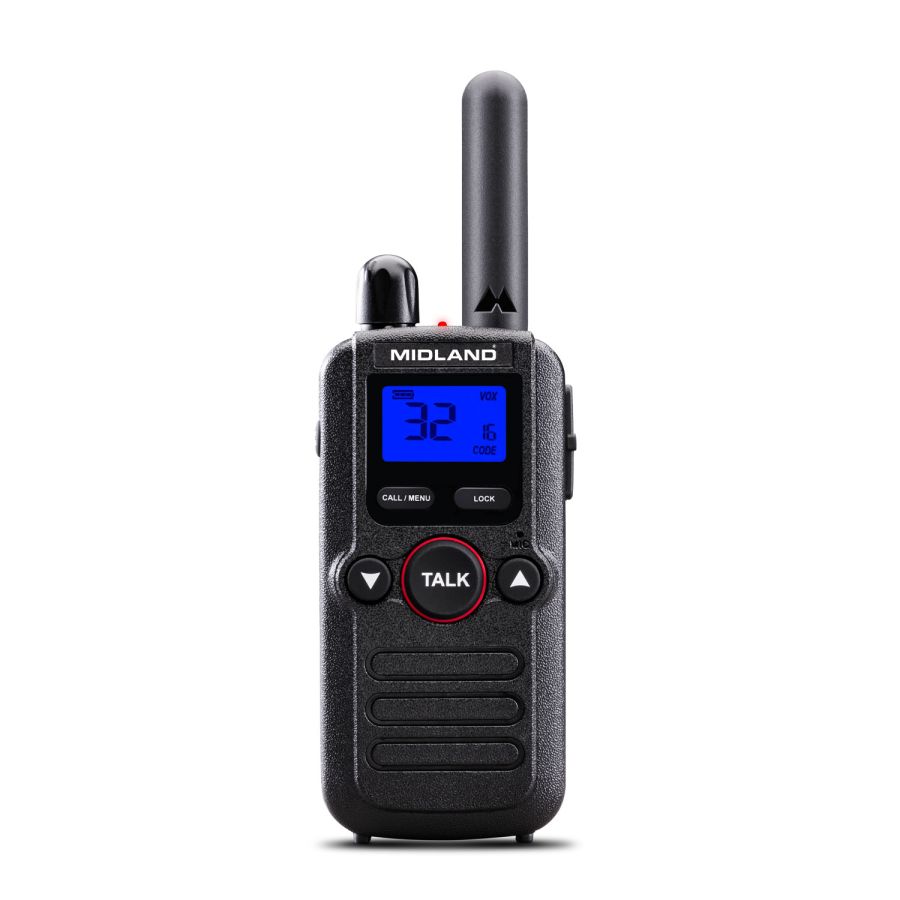
Support for BR180 - 1 PMR446 TRANSCEIVER + ACCESSORIES


Here you will find the answers to the most frequently asked questions about your device
Rotate the PWR/VOL knob clockwise until it clicks to turn the radio on.
To turn it off, rotate the knob counterclockwise.
Once the radio is on, rotate the PWR/VOL knob:
- Clockwise to increase the volume.
- Counterclockwise to decrease the volume.
Privacy codes help reduce interference from other radios.
To set them:
- Press and hold MON/SCAN and CALL/MENU.
- Turn the radio on.
- Use the Up/Down Arrow keys to select the desired code.
Make sure all radios:
- Are set to the same channel.
- Have the same privacy code selected (if enabled).
VOX allows hands-free communication without pressing the TALK button.
Procedure:
- Press and hold CALL/MENU for 3 seconds.
- Press CALL/MENU 4 times until "VOX" appears.
- Select the sensitivity level:
- 1 = High
- 2 = Medium
- 3 = Low
- OFF = Disabled
- Confirm by pressing TALK.
- Press and hold CALL/MENU for 3 seconds.
- Press CALL/MENU 5 times.
- Select ON using the Arrow keys.
- Confirm with TALK.
Press and hold MON/SCAN for about 3 seconds.
The radio will scan all channels and automatically stop on active ones.
The backlight illuminates the display in low-light environments.
It can be activated through the menu but increases battery consumption.
Battery life can reach up to 28 hours, depending on usage.
Enable the power-saving mode to extend operating time.
Place the radio in the charging cradle connected to a power source.
LED indicators:
- Red = Charging
- Green = Fully charged
The battery can also be charged separately.
- Avoid extreme temperatures.
- Do not overcharge the battery.
- Use power-saving mode whenever possible.
Check that:
- The battery is charged.
- The battery is correctly installed.
Verify:
- Volume level.
- Selected channel.
- Privacy code settings.
- Presence of physical obstacles between the radios.
- Move to a more open area.
- Use the Monitor function to detect weak signals.
Yes.
Procedure:
- Turn the radio off.
- Press and hold simultaneously:
- Down Arrow
- TALK
- Up Arrow
- Turn the radio on.
All settings will be reset to factory defaults.
Here you will find the manuals and software to configure and use your device
Here you will find the instructions for correctly disposing of the packaging of your device
- Packaging
- PAP 20: paper
- Inner boxes/dividers
- PAP 21: paper
- Internal envelopes
- 7PLA: organic
- Cable Tie
- Mixed: unsorted
- Adhesive residue
- PAP 22: paper
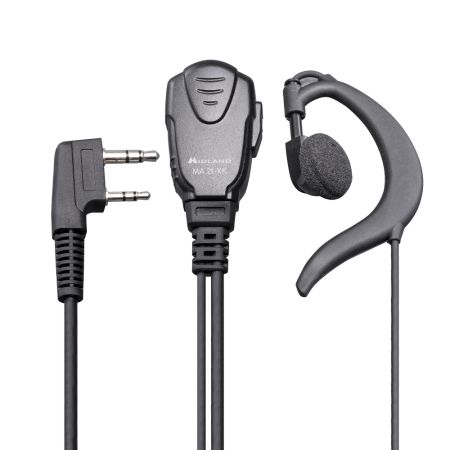
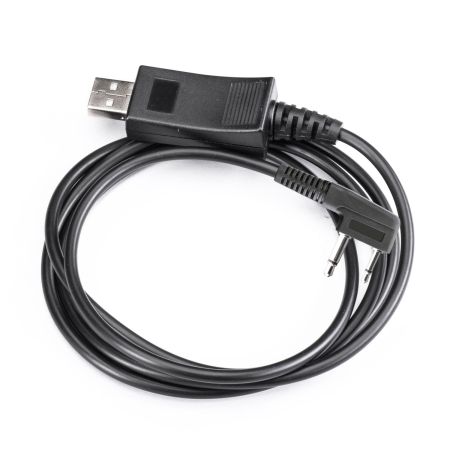
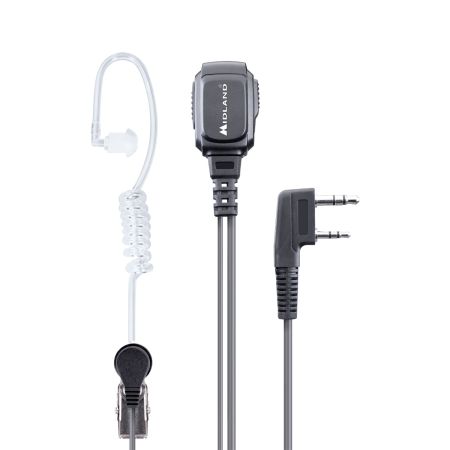
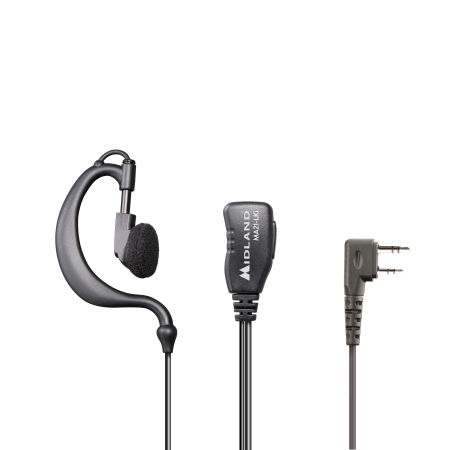
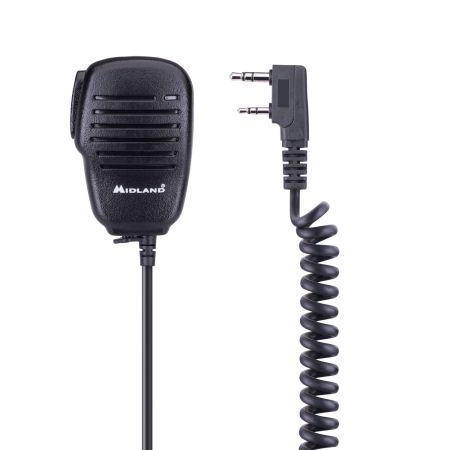
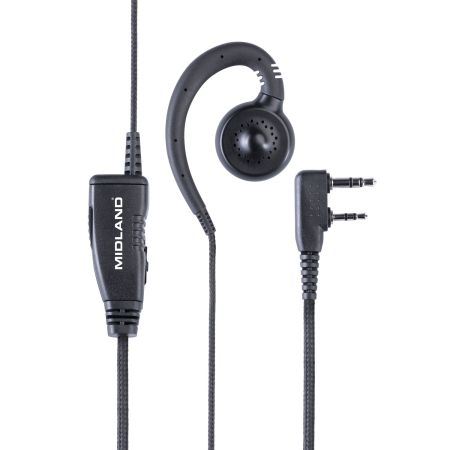
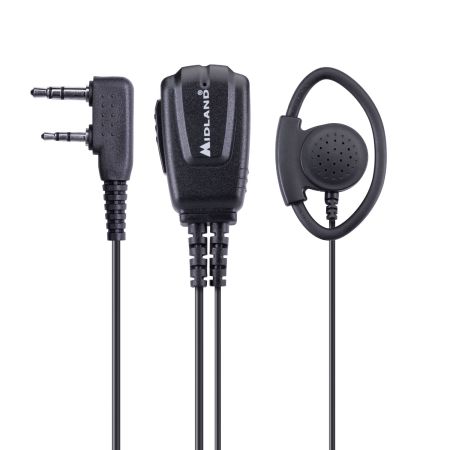
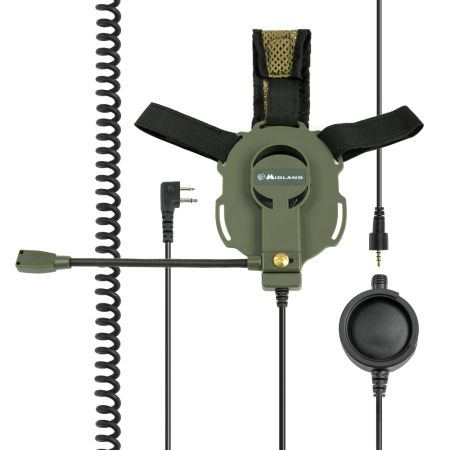
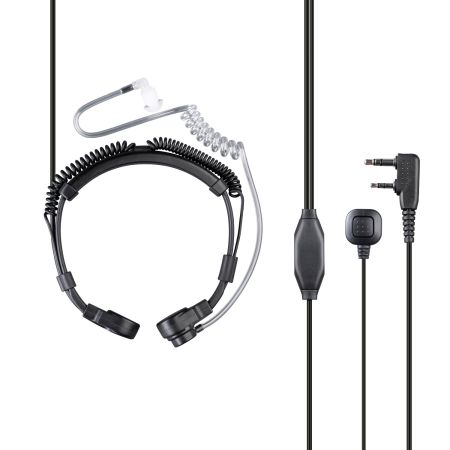
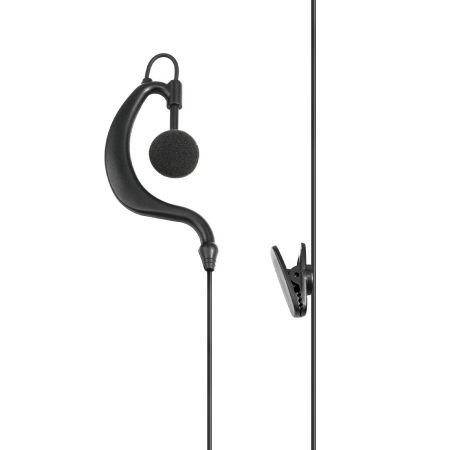
Here you will find the accessories and spare parts for your device