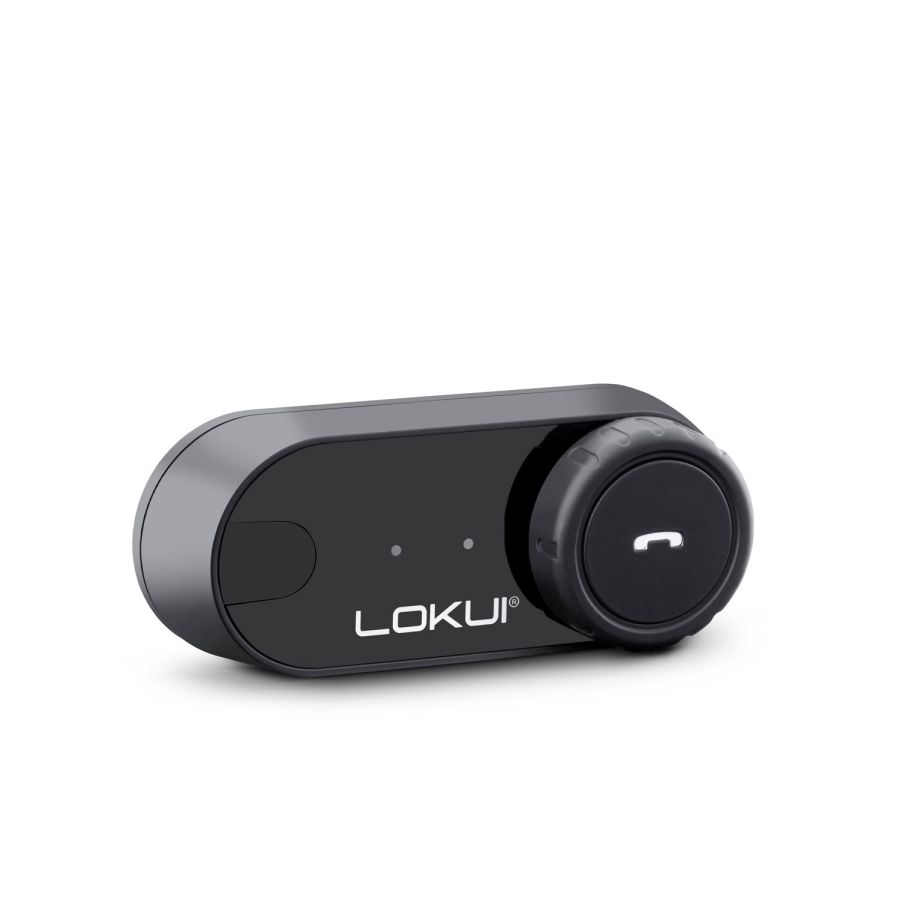
Support for Lokui by Midland K30


Here you will find the app to configure and use your device
Here you will find the answers to the most frequently asked questions about your device
With both devices turned off, enter pairing mode:
- Press and hold the On/Off button for 6 seconds.
- When both devices start flashing blue/red, press the On/Off button once on one of the two devices.
After a few seconds, the two K30 units will pair automatically.
In FM mode:
- Turn the wheel to the right for the next station.
- Turn the wheel to the left for the previous station.
Yes. The K30 can be paired with Bluetooth-compatible smartphones, GPS navigators, and multimedia devices.
The device can maintain only one paired device at a time.
With the device turned off, press and hold the power button for about 6 seconds to enter pairing mode.
Search for "K30" in the list of available Bluetooth devices and complete the pairing process.
Yes. The K30 supports activation of your smartphone's voice assistant.
To activate it, press and hold the multifunction button for 2 seconds.
Yes. The Music Share feature allows two connected K30 units to listen to the same music.
- Lokui K30 with serial number up to T22: Press and hold both buttons simultaneously for about 2 seconds. Once Music Share is activated, start music playback and the audio will be shared between the two intercoms.
- Lokui K30 with serial number T23 and later: Double-press the On/Off button. Then start music playback and the audio will be shared between the two intercoms.
Yes. The K30 supports English and Italian voice prompts. This feature is available only for models with serial numbers from T23 onward.
To change the language:
- Turn on the intercom.
- Press and hold the On/Off button and the multifunction button while turning the wheel to the right.
- Keep this combination pressed for about 4 seconds.
The battery level can be checked directly on your smartphone through the Bluetooth indicator of the paired device.
Additionally, when the K30 is powered on, a voice prompt announces the remaining battery charge level.
Yes.
To delete all stored pairings, with the device turned off, press and hold both buttons simultaneously for at least 8 seconds.
Once the procedure is complete, all pairings will be deleted and the intercom will be restored to factory settings.
Here you will find the manuals and software to configure and use your device
Here you will find the instructions for correctly disposing of the packaging of your device
- Packaging
- PAP 21: paper
- sponge
- Mixed: unsorted
- Cable Tie
- Mixed: unsorted
- Adhesive residue
- Mixed: unsorted
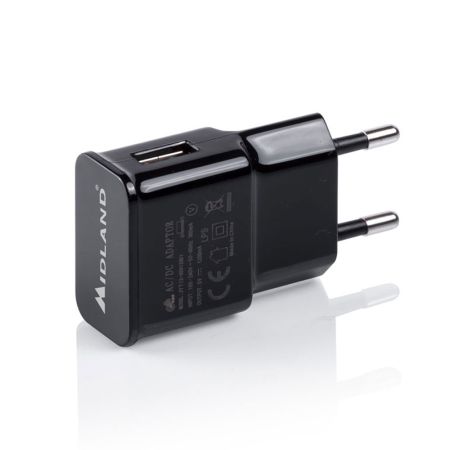
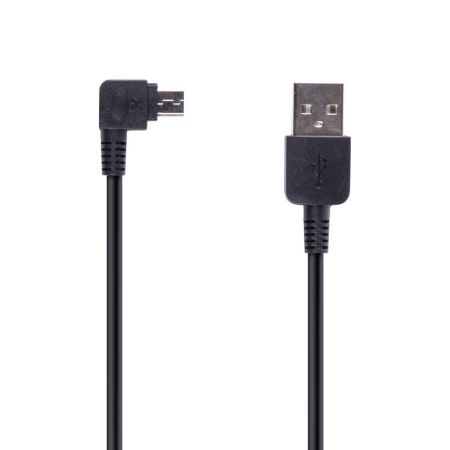
Here you will find the accessories and spare parts for your device