Support for Lokui by Midland K10
Code: C1624


Download App
Here you will find the app to configure and use your device
FAQ
Here you will find the answers to the most frequently asked questions about your device
Yes, the K10 can be paired via Bluetooth with both Android smartphones and iPhones.
With the device switched off, press and hold the multifunction button for approximately 8 seconds until Bluetooth pairing mode is activated, then select K10 from the phone's Bluetooth settings.
Note: When powered on, the K10 automatically enters pairing mode if no previously paired devices are stored.
The K10 can only connect to one device at a time.
Yes, the device supports connection to Bluetooth-compatible GPS navigators.
Note: The K10 can only connect to one device at a time.
No, the K10 is not an intercom but a Bluetooth telephone answering device. Therefore, it does not support pairing with other intercoms.
No. The device does not support connection to the Midland Connect application.
The K10 is available exclusively in English and does not support other languages.
You can answer a call by pressing the multifunction button.
The same operation is used to end the call.
Yes, the K10 allows you to reject calls without using your smartphone. To reject a call, press and hold the multifunction button for 2 seconds.
Note: The K10 automatically answers after the phone rings for 5 seconds.
Yes, the device allows activation of the paired smartphone's voice assistant. Press the multifunction button twice when no audio is active.
Music playback can be controlled with a single press of the multifunction button.
Press and hold the volume button to skip to the next track.
The K10 features a single volume button that progressively increases the audio level to maximum and then cycles back down to the minimum level.
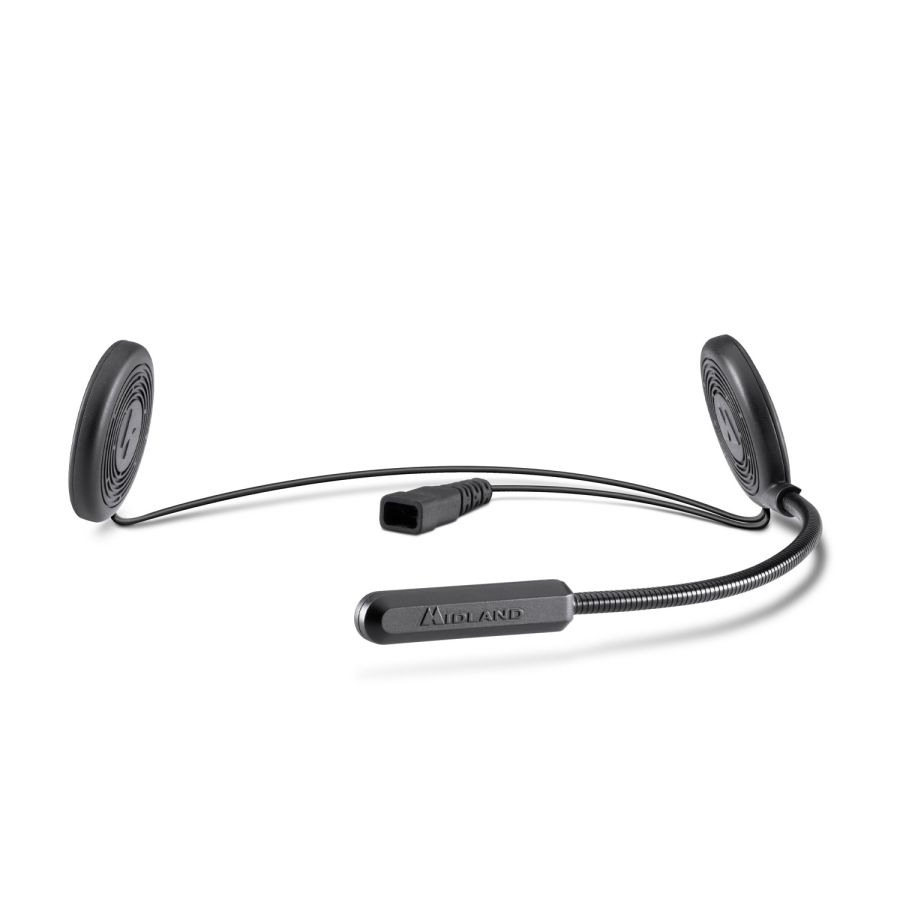
The K10 is designed for installation on most motorcycle helmets prepared for Bluetooth audio systems. It is particularly suitable for jet and modular helmets. Use with full-face helmets is not recommended because the controls are positioned on the microphone boom and may be difficult to operate while riding.
The helmet speakers are probably not positioned correctly. Try the following:
Check the speakers: Remove the helmet and verify that the speakers are directly in front of your ears.
Test them: Remove the speakers from the helmet and place them directly over your ears. Do you notice a difference? If the sound is better, the issue is related to the installation.
Make sure the device is in pairing mode and that Bluetooth is enabled on your smartphone. If necessary, delete previous pairings and repeat the pairing procedure.
With the K10 switched on, press and hold the multifunction button for approximately 3 seconds to reset the stored pairings.
Yes, once paired, the device automatically reconnects to the compatible phone when it is switched on and Bluetooth is enabled.
Manuals, Quick Guides and Software
Here you will find the manuals and software to configure and use your device
Packaging Disposal
Here you will find the instructions for correctly disposing of the packaging of your device
- Packaging
- PAP 21: paper
- Internal envelopes
- 7PLA: organic
- protective film
- Mixed: unsorted
- Cable Tie
- Mixed: unsorted
- Adhesive residue
- Mixed: unsorted
Accessories
Here you will find the accessories and spare parts for your device